Fundamentals of Computer > Input Devices > Popular specialized input devices
Some popular specialized input devices are-
- Trackball
- Trackpad
- Joystick
- Barcode Reader
- Scanner
- OMR
- OCR
- MICR
Application of Trackball:
- It is a pointing input device that functions like an upside-down mouse.
- It consists of a stationary casing containing a movable ball that is operated by rolling the ball with the index finger or thumb to move the pointer around the screen.
- Because the whole device needs not to be moved, a trackball requires less space on the desktop than a moue; so, when space is limited, a trackball can be a better choice e.g., in laptop.

Application of Trackpad:
- The trackpad (also called touchpad) is a stationary pointing device that many people find less tiring (less space and less movement) to use than a mouse or trackball.
- The user operates a trackpad to point to a item on the screen by moving a finger across a small, touch-sensitive surface.
- It is used with laptop and notebook computers.

Application of Joystick:
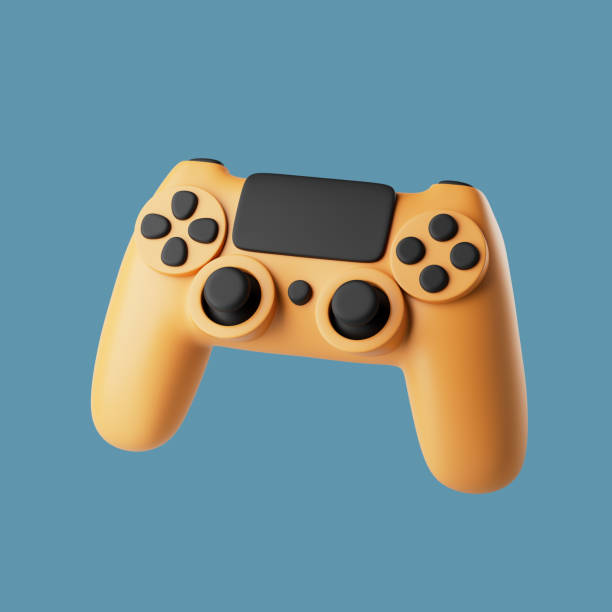
- It is an input device, which is used to control the movement of on-screen components. It is typically used in video games.
- Many portable computers now feature a small joystick positioned near the middle of the keyboard, typically between the G and H keys. It is controlled with either forefinger.
Application of Barcode Reader:
- It is an input device that converts a pattern of printed bars that appear on product package into a number that a computer can read. The bar codes identify the product.
- Bar code readers are commonly used in retail stores at super markets and department stores.

Application of Scanner:
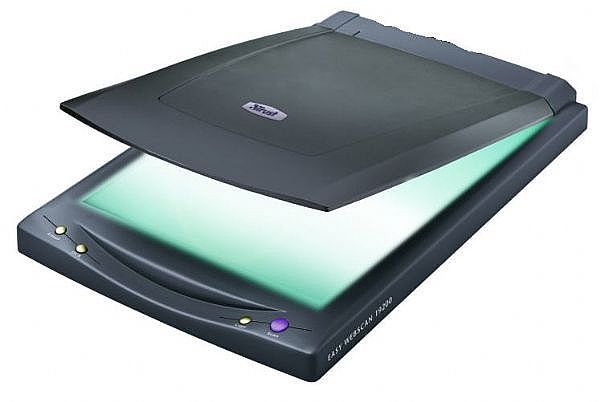
- Scanner is an input device that is used to convert any printed image into electronic form by shining light onto the image and sensing the intensity of light’s reflection at every point. This electronic data can then be stored, organized, and manipulated in computer.
- Scanners have various sizes and shapes, from handled scanners to flatbed scanners. Handheld scanners are more portable than flatbed scanners, but they typically require multiple passes to scan a single page because they are not as wide as letter-size paper. Flatbed scanners offer higher-quality reproduction than do handheld scanners. They can scan a page in a single pass.
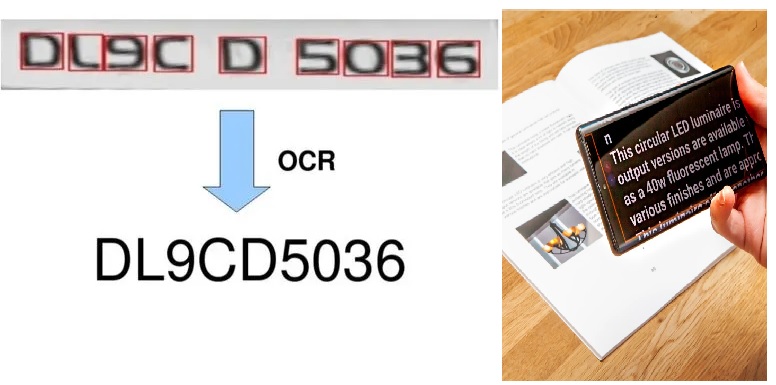
- A scanner with OCR (optical character recognition) software can translate a page of printed text into a string of character codes in computer’s memory, which can then be edited.
Application of OMR (Optical Mark Reader):
- It is an input device which is capable of recognizing a prescribed type of mark made by pencil or pen.
- OMR comes in variety of sizes and shapes that depends on the size of the forms to be read.
- It is widely used for evaluating the objective type answer-papers in which a candidate is advised to put a mark with soft pencil at a specified spot.

Application of OCR (Optical Character Recognition):
- This input device is capable of reading different shapes of mark and complete set of alphanumeric characters.
- If you have scanned a text document and you want to translate the image into text, OCR software can do this for you.
- Modern OCR can recognize handwritten characters.
Application MICR (Magnetic Ink Character Recognition)
- Using MICR method, human readable characters are printed on documents (such as checks) using a special magnetic ink. A magnetic ink character reader can recognize such characters.
- For instance, in a check, the check number and branch code are pre-printed at the bottom using a magnetic ink. The amount written in the check is later entered by a clerk using a machine which prints the amount with magnetic ink. The check itself can now be read using a special input unit which can recognize magnetic ink characters.
- This method eliminates the need to manually enter data from checks. Besides saving time, it ensures accuracy of data entry.

Application Microphone
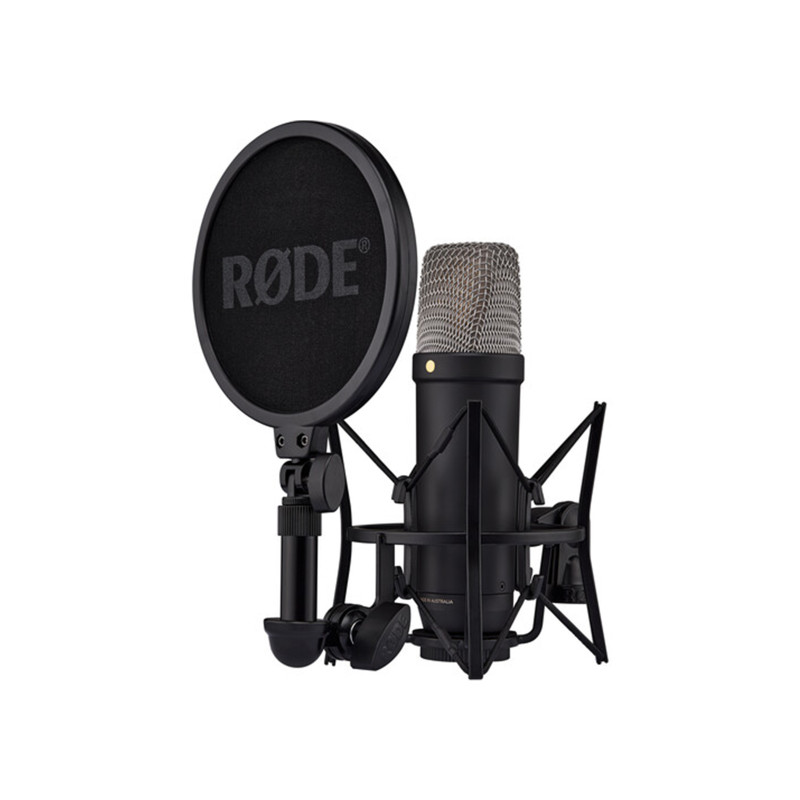
- This input device is used with multimedia applications to digitally record audio data, such as the human voice.
- Sound card (an I/O device) translates the analog audio signal from the microphone into a digitized form that the computer can store and process.
- Microphones make the PC useful for audio and videoconferencing over the Internet.
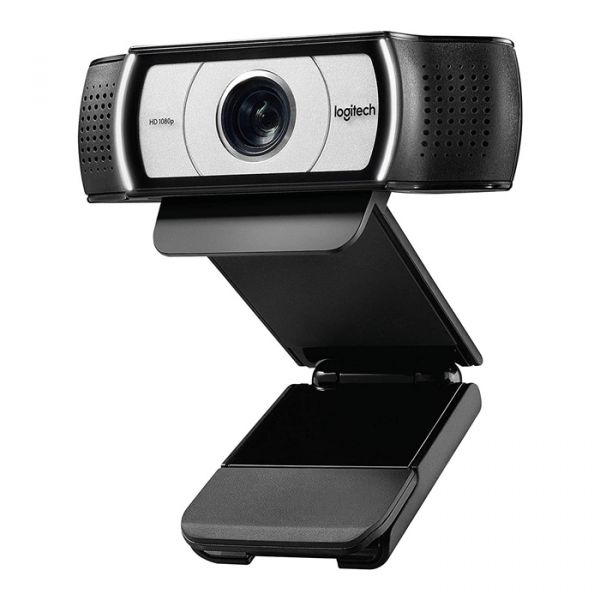
Application Web Camera
- It is an inexpensive video camera that connects directly to a PC and captures video images that can be broadcast over the Internet or through a network connection.
- Webcam is also called PC video camera. It can sit on top of a monitor or can be placed on a stand, so the user can capture video images of himself or herself while working at the computer.
- Webcam is especially handy for videoconferencing where multiple users see and talk to one another in real time over a network or Internet connection.
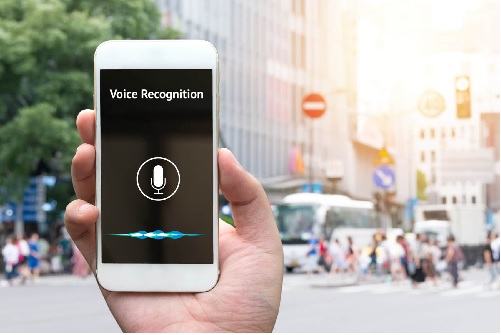
Speech Recognition:
The technology of translating voice into text is known as voice or speech recognition.
- With this capability, you can speak to the computer instead of typing.
- This system is often called STT (speech-to-text).
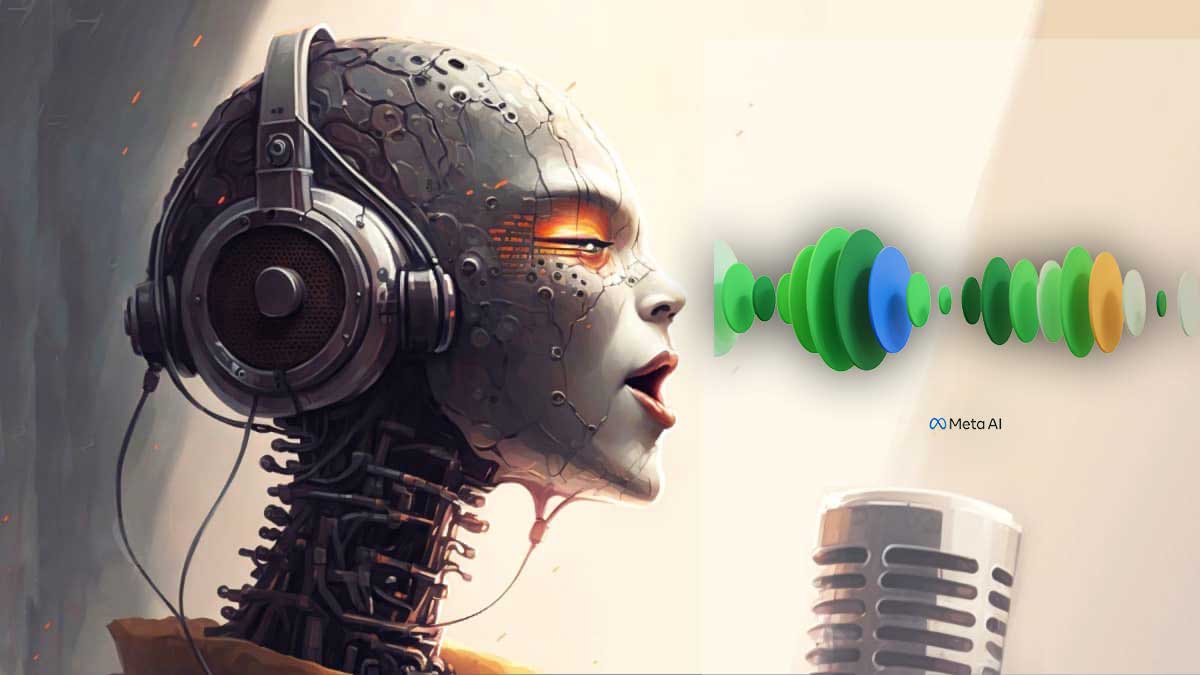
Speech Synthesis:
The technology of converting text into spoken sentences is called speech synthesis.
- Speech synthesis is the artificial production of human speech. For this purpose, a device called speech synthesizer is used.
- Speech synthesis is useful for reading out text to blind persons. It also allows people who cannot speak to communicate effectively. Speech synthesizer is also used for translating an entered text in one language into spoken words in a selected language.
- This system is often called TTS (text-to-speech).
Prev
Mouse as an essential Input Devices
No More
Feedback
ABOUT
Statlearner
Statlearner STUDY
Statlearner